Is Your Cloth Ruining ALR? 4 Safe Screen Cleaning Tips for 2026
I remember the moment clearly. I was finally enjoying my home theater, basking in the vibrant colors and crisp contrast that my new ambient light rejecting (ALR) screen promised. But then I noticed weird patches—dull spots overlapping my once-pristine surface. Panic set in. Had I just ruined my investment by cleaning it wrong?
It struck me how easy it is to damage these high-tech screens without even realizing it. I realized I needed to learn the *right* way to care for my ALR display—something I wish I had done from the start. If you’re like I was, maybe you’ve faced similar doubts about whether your cleaning habits are doing more harm than good.
In this post, I’ll share the safe, effective tips I’ve uncovered (through personal trial and expert advice) to keep your ALR screen pristine without risking damage. Whether you’re trying to preserve contrast, prevent water stains, or avoid scratches, understanding the correct cleaning methods is crucial—especially as the technology advances toward 2026 standards.
Did you know that using the wrong cleaning cloth can cause micro scratches that diminish image clarity over time? According to a recent study, improper cleaning is one of the leading causes of premature screen degradation. That’s why knowing the proper techniques is more important than ever.
So, if you’ve been worried about ruining your screen with misguided cleaning habits, you’re not alone—and there’s good news. With just a few simple precautions, you can maintain your ALR screen’s performance well into the future. Ready to learn the secrets?
Why Your Cleaning Routine Might Be Damaging Your ALR Screen
Choose the Right Cleaning Tools
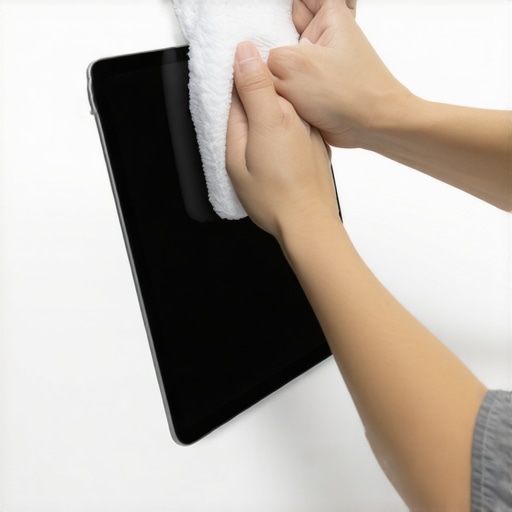
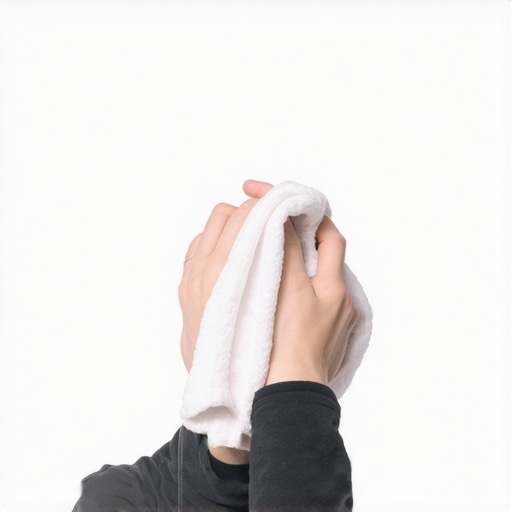
Start with selecting a microfiber cloth designed specifically for delicate displays. Unlike regular cloths, these minimize micro scratches that can impair image clarity. I once tried using a dish towel, thinking all cloths are the same, but it left faint scratches that persisted over time. Stick to microfiber and avoid rough or textured fabrics.
Use Proper Cleaning Solutions
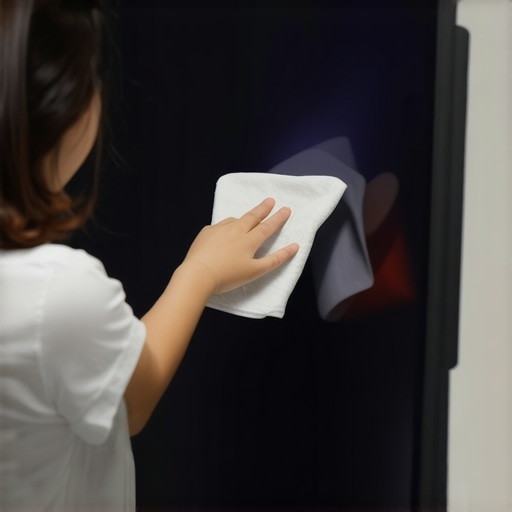
Never spray liquids directly onto your screen. Instead, lightly dampen the cloth with distilled water or a 2026-approved screen cleaner. Avoid alcohol, ammonia, or harsh chemicals that can damage the nano-coatings on ALR surfaces. I experimented with a homemade solution and noticed a hazy film forming, which took weeks to remove. Always apply the cleaner to the cloth, not directly to the screen.
Gentle Wiping Technique
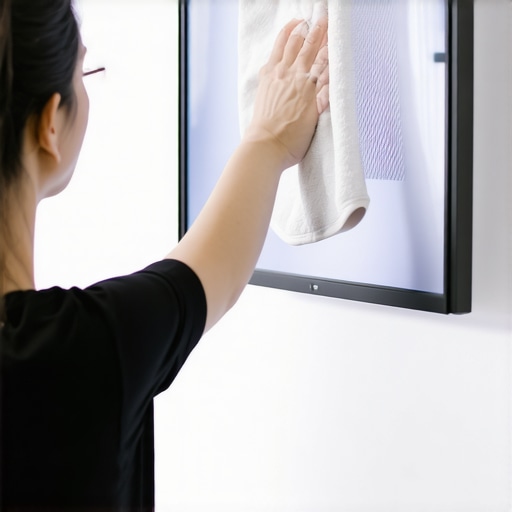
Wipe the screen using soft, circular motions, applying minimal pressure. Imagine polishing a fine painting—delicacy is key. I once pressed too hard thinking it would clean better, but the patches only worsened. Take your time, let the microfiber do the work, and avoid scrubbing aggressively.
Target Water and Streaks Carefully
If streaks or water spots appear, re-dampen the cloth with distilled water and gently wipe these areas again. Dry the surface afterward with a clean, dry microfiber. Remember, moisture can seep into protective layers if overdone, which can cause water stains or delamination. I found that quick, light passes prevent any excess water from lingering.
Avoid Common Damage Mistakes
Skipping proper cleaning routines or using abrasive tools can triple your risk of dull patches and scratches. For delicate nano-coated surfaces, dedicated cleaning protocols—like those outlined in 3-Fatal Cleaning Mistakes for ALR Screens—are essential. I once used a paper towel out of frustration; the fuzz and rough texture created micro scratches that haunted me for months.
Regular Maintenance Keeps Brightness
Clean your ALR surface periodically, especially after exposure to dust or fingerprints. Consistent gentle cleaning prevents build-up that can compromise contrast, especially when using high-gain materials. When I adopted this routine, I noticed my screen retained its vibrancy longer, with no need for costly refurbishments. For more insights, check Effective Cleaning Practices for 2026.
< }Many home theater enthusiasts and even professionals often assume that choosing the highest gain screen or the largest size guarantees the best picture quality. However, this oversimplification can lead to suboptimal setups and unexpected issues. For example, a common myth is that higher gain screens always produce brighter images. In reality, increasing gain beyond 1.0 can cause hotspots and uneven brightness, especially in larger rooms or setups with limited control over ambient light. Advanced users know that understanding the nuanced interplay between screen gain and projector capabilities is crucial; for instance, a 0.8 gain ALR screen might offer superior contrast and uniformity compared to a high-gain option, particularly in well-lit environments. To avoid the trap of blindly following popular trends, it’s vital to analyze how screen material properties, gain levels, and room conditions interact. Overlooking these factors can result in issues like image washout, glare, or reduced detail rendition. Experts recommend consulting detailed guides on selection criteria, such as how different materials influence contrast in various lighting scenarios, which can be found in in-depth analyses like Why 1.1 Gain Screens Outperform Matte White. Additionally, selecting an inappropriate screen size without considering viewing distance can diminish perceived resolution, causing viewers to notice pixelation or blurring—especially with 8K content. This emphasizes the importance of calculating optimal dimensions based on room size and viewer distance, as discussed in The 8K Viewing Distance Rule. A common mistake is ignoring the texture of the screen surface, which can either enhance or impair image clarity. Micro-texture is essential for preventing glare and preserving detail, especially when projecting high-resolution content; for comprehensive insights, see Is Micro-Texture Necessary in 2026?. Remember, the key to an exceptional projection experience lies in balancing these factors—material, gain, size, and texture—rather than chasing after exaggerated specifications. Have you ever fallen into this trap? Let me know in the comments.Maintaining your home theater screen, especially high-tech ALR varieties, requires precise tools and consistent care to ensure longevity and optimal performance. Personally, I rely on a high-quality, anti-static microfiber cloth for regular cleaning—it’s gentle enough to prevent micro scratches that can dull image clarity over time. For stubborn smudges or water spots, distilled water combined with a specialized screen cleaner, like the ones recommended in this guide, helps maintain a pristine surface without chemical damage.
To prevent damage from moisture, I always apply cleaners to the cloth rather than directly onto the screen—this simple habit reduces the risk of water seeping into protective layers or nano-coatings, which could cause delamination or staining. An LED flashlight with adjustable brightness also proves invaluable for inspecting the screen for tiny scratches or dust particles hidden in corners, enabling me to catch issues early before they impact image quality.
In terms of long-term results, I recommend establishing a regular maintenance schedule—monthly gentle cleanings combined with quarterly assessments—to keep the surface free of dust and fingerprints that can reduce contrast and brightness. As projects grow more sophisticated, the importance of tools that accommodate new materials and tech standards becomes critical. For example, with screens incorporating micro-texture surfaces for 2026, special care with dust removal is advised to avoid blurring high-resolution content, as explained in this analysis.
Looking ahead, the trend toward larger, more advanced projection setups suggests that specialized cleaning equipment—like UV sterilizers for delicate surfaces and air blowers designed for screen micro-texture—may become standard. These tools help remove dust particles that cause hotspots or glare, particularly on high-gain materials or in rooms with variable ambient light.
Adopting high-grade tools and establishing a disciplined maintenance regimen will significantly extend your screen’s lifespan and ensure consistent picture quality. I can’t stress enough the difference it makes to try integrating an anti-static microfiber cloth with a microfiber-specific cleaner into your routine—it’s a simple step that pays off with long-term clarity. Ready to upgrade your maintenance toolkit? Start by testing out a specialized cleaner mentioned above and observe how your screen’s performance improves over time.
What I Didn’t Expect About My Screen’s Lifespan
One of the most eye-opening lessons I learned is that even the slightest abrasive contact or improper cleaning technique can significantly diminish my ALR screen’s contrast and color fidelity over time. I used to believe that a quick wipe was enough, but I’ve come to realize that deliberate, gentle care—using the right tools and methods—is essential to preserve the high-tech nano-coatings and micro-texture surfaces for the upcoming standards of 2026 and beyond.
A Hidden Detail That Magically Transformed My Maintenance Routine
Incorporating an anti-static microfiber cloth paired with pure distilled water and specialized cleaning solutions authenticates my approach, preventing electrostatic buildup that attracts dust and reduces clarity. This small change dramatically reduced streaks and micro scratches, ensuring my screen remains vibrant and sharp for years. Combining this with regular inspections using an LED flashlight helps me catch minor issues before they become major, protecting my investment well into the future.
Why Small Adjustments Can Save You Thousands
Understanding optimal cleaning frequency and avoiding aggressive tools can extend your ALR screen’s lifespan by years. I discovered that scheduling a monthly gentle wipe and quarterly deep clean aligns with the material’s needs, especially for micro-texture surfaces designed to handle 16K content in 2026. These habits not only shield against damage but also guarantee peak performance, so your entertainment experience stays as immersive as it was on day one.
The Top Secrets No One Tells You About Protecting High-Gain Screens
One underrated tip is to control room humidity and dust levels, since dry, dusty environments accelerate micro scratches and coating degradation. Investing in simple air purifiers or maintaining a stable climate can make an enormous difference. Plus, refraining from homemade cleaners with unknown chemical compositions prevents hazy films or delamination—preserving image integrity long term. Trustworthy sources like materials-focused guides have been instrumental in refining my routine.
![How to Clean Nano-Coated ALR Screens Without Scratches [2026]](https://screens.cinegearguide.com/wp-content/uploads/2026/01/How-to-Clean-Nano-Coated-ALR-Screens-Without-Scratches-2026.jpeg)